

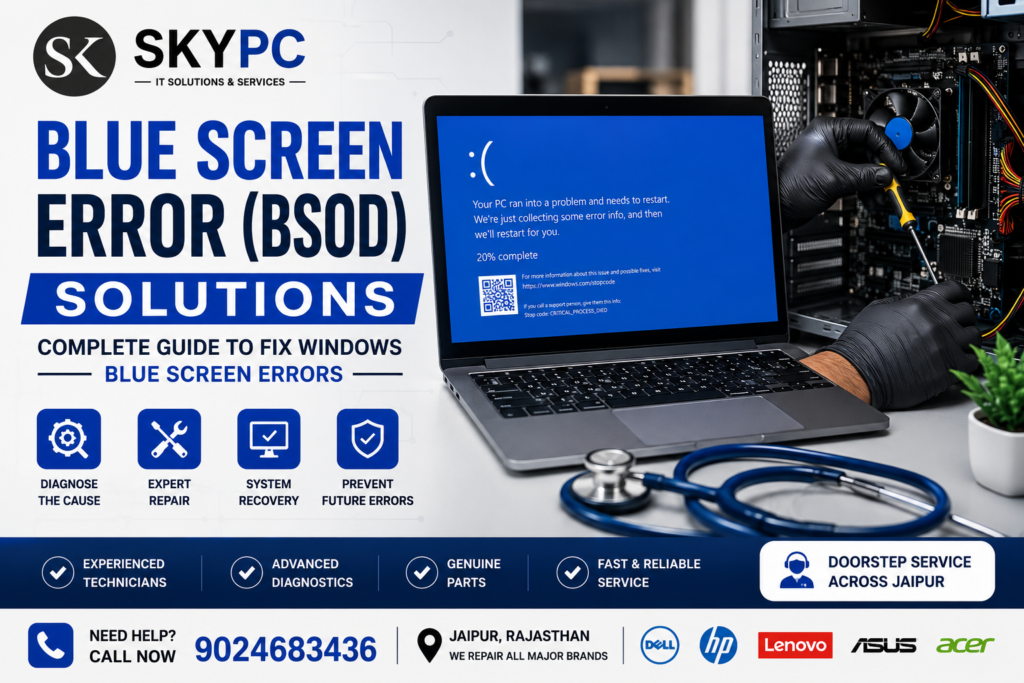
Blue Screen Error (BSOD) Solutions – Complete Troubleshooting Guide
A Blue Screen of Death (BSOD) is a Windows system error that occurs when the operating system encounters a critical issue and must stop to prevent further damage. Common causes include faulty RAM, corrupted drivers, hard drive failures, overheating, hardware conflicts, malware, or Windows update issues. Many BSOD problems can be resolved through driver updates, hardware diagnostics, or professional computer repair.
What Is a Blue Screen Error (BSOD)?
A Blue Screen of Death (BSOD) is a critical Windows error that forces your computer to restart. When this happens, Windows displays a blue screen with an error code indicating the problem.
Although the message may seem alarming, it usually points to a hardware or software issue that can be diagnosed and repaired.
Common Blue Screen Error Messages
You may see errors such as:
- CRITICAL_PROCESS_DIED
- MEMORY_MANAGEMENT
- IRQL_NOT_LESS_OR_EQUAL
- PAGE_FAULT_IN_NONPAGED_AREA
- SYSTEM_SERVICE_EXCEPTION
- KMODE_EXCEPTION_NOT_HANDLED
- DRIVER_POWER_STATE_FAILURE
- WHEA_UNCORRECTABLE_ERROR
These error codes help technicians identify the root cause of the problem.
What Causes Blue Screen Errors?
1. Faulty RAM
Defective memory modules are one of the most common causes of BSOD errors.
Symptoms include:
- Random crashes
- Frequent restarts
- Blue screens during startup
2. Corrupted Windows Files
Missing or damaged system files can cause Windows to stop unexpectedly.
Common reasons include:
- Improper shutdowns
- Virus attacks
- Failed Windows updates
3. Driver Issues
Outdated or incompatible drivers often trigger blue screen errors.
Affected drivers may include:
- Graphics drivers
- Network drivers
- Storage drivers
- Printer drivers
4. Hard Disk or SSD Failure
Storage problems can corrupt Windows files and cause repeated crashes.
Warning signs:
- Slow boot time
- Clicking hard drive sounds
- File corruption
- Frequent freezing
5. Overheating
Dust buildup or failing cooling systems can cause processors or graphics cards to overheat, leading to system crashes.
6. Malware or Viruses
Certain types of malware damage Windows files or drivers, increasing the risk of BSOD errors.
7. Faulty Hardware
Other hardware failures may include:
- Graphics card issues
- Motherboard faults
- Power supply problems
- CPU instability
How to Fix Blue Screen Errors
Restart Your Computer
A temporary software issue may disappear after a restart.
Note the Error Code
Write down the BSOD error code displayed on the screen. It helps identify the specific issue.
Boot into Safe Mode
Safe Mode loads only essential drivers and helps troubleshoot software conflicts.
Update Windows
Install the latest Windows updates to fix bugs and improve system stability.
Update Device Drivers
Install the latest drivers from your hardware manufacturer’s official website.
Run Windows Memory Diagnostic
Use Windows Memory Diagnostic to check for RAM errors.
Check Hard Drive Health
Use built-in Windows tools or SMART diagnostics to detect storage issues.
Scan for Malware
Run a complete antivirus scan to remove viruses or malicious software.
Check for Overheating
Clean dust from fans and heatsinks, and ensure proper airflow inside your computer.
Restore Windows
If the problem started recently, restore your system to a previous restore point.
When Should You Contact a Professional?
Professional repair is recommended if:
- BSOD appears repeatedly.
- Windows won’t boot.
- The computer restarts continuously.
- Hardware tests report failures.
- You suspect motherboard or power supply issues.
Attempting complex hardware repairs without proper tools may worsen the problem.
How SKYPC Can Help
At SKYPC, we diagnose and repair Blue Screen errors for desktop computers and laptops.
Our services include:
- Hardware diagnostics
- RAM testing and replacement
- SSD and hard drive replacement
- Windows repair and reinstallation
- Driver troubleshooting
- Virus and malware removal
- Motherboard diagnostics
- Data backup and recovery (where possible)
Why Choose SKYPC?
- Experienced computer repair technicians
- Transparent diagnosis
- Genuine replacement parts
- Doorstep service across Jaipur (where applicable)
- Support for homes, offices, schools, and businesses
What is the Blue Screen of Death (BSOD)?
It is a Windows stop error that occurs when the operating system encounters a critical issue and cannot continue safely.
Can a Blue Screen Error be fixed?
Yes. Most BSOD errors can be resolved by repairing faulty hardware, updating drivers, fixing Windows files, or replacing failing components.
Can faulty RAM cause a Blue Screen Error?
Yes. Defective or incompatible RAM is one of the most common causes of BSOD crashes.
Will reinstalling Windows fix BSOD?
If the issue is caused by corrupted system files or software conflicts, reinstalling Windows may help. If the problem is hardware-related, additional repairs will be needed.
Do you provide Blue Screen Error repair in Jaipur?
Yes. SKYPC provides professional BSOD diagnosis and repair services for desktops and laptops across Jaipur.
Contact SKYPC
Computer showing a Blue Screen Error?
📞 Call: 9024683436
📍 Jaipur, Rajasthan
Services We Offer:
- Computer Repair
- Laptop Repair
- Windows Installation
- Motherboard Repair
- SSD & RAM Upgrade
- Virus Removal
- Data Recovery
- Business IT Support





1 thought on “Blue Screen Error (BSOD) Solutions – Complete Guide to Fix Windows Blue Screen Errors”
Great post! It’s surprising how many common laptop problems, such as slow performance, overheating, Wi-Fi connectivity issues, or battery drain, can be resolved with a few simple troubleshooting steps. Articles like this help users avoid unnecessary repairs and better understand how to keep their laptops running smoothly. Thanks for sharing these practical tips.
Sriram Mobiles and Laptops